Keeping Your Website Updated + Best Practices for Maintenance | Sprout Sessions Episode #6

By Brad Chancellor | June 23, 2025 | Design, Development, Strategy | Reading Time: 2 minutes
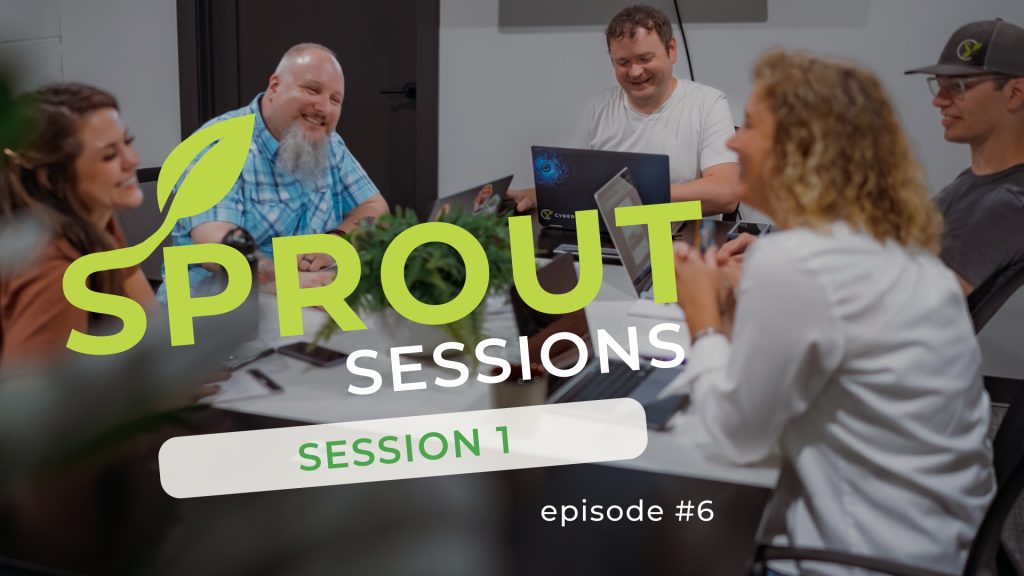
Table of Contents
What You’ll Learn in This Sprout Session
In this episode, the team dives into the importance of website maintenance—specifically, keeping your CMS, plugins, and themes up to date. You’ll learn:
- Why regular updates are essential for site security
- How plugin and theme updates affect performance and compatibility
- What to watch for in free vs. premium plugins
- How to tell if your site needs updates
- The role of backups and how to avoid breaking your site
- Why maintenance should be ongoing, not one-and-done
- The benefits of choosing a long-term website partner
🍿 Watch Now!
Episode Summary
Building a website is just the beginning—maintaining it is where the real value lives. In this episode, the CYBERsprout team explains why keeping your site up to date is critical for speed, security, compatibility, and functionality.
Nate kicks things off with insights from the dev world: outdated plugins, themes, or CMS versions (like WordPress) can expose your site to serious vulnerabilities. Worse yet, they often cause performance issues or break site features altogether.
We share stories from the trenches—like logging into sites where nothing has been updated in months (or ever), and trying to untangle what broke. If you’ve ever wondered what that little red update icon means in your WordPress dashboard, this episode breaks it down in plain English.
We also cover how to spot trustworthy plugins, when to pay for a premium version, and why it’s not worth the risk to rely on a “DIY” plugin from your nephew (no offense, nephew!). Regular audits and updates prevent checkout issues, broken layouts, or worse—losing site visitors altogether.
If backing up your site sounds intimidating, or you’ve been burned by a platform that won’t let you own your own content, this session explains how to find a website partner that stays with you for the long haul—not just launch day.
🧰 Tools & Resources Mentioned
Here’s a quick reference list of tools and techniques mentioned:
- Core Maintenance Must-Haves
- Regular updates for WordPress core, themes, and plugins
- Compatibility reviews after major changes
- What to Look For in Plugins
- Recent updates and active maintenance
- Strong reviews and high install numbers
- Avoid using custom or unknown code without support
- Other Best Practices
- Always back up your site before updates
- Work with a reliable partner who monitors and manages maintenance
📺 Watch More + Ask Us Anything
This is just the beginning! Check out other episodes in this Session;
- Episode #1: Ensuring Your Website is Mobile Friendly and Responsive
- Episode #2: Is My Website’s Navigation User-Friendly?
- Episode #3: How to Improve Your Website Speed
- Episode #4: Optimizing Website Images for Speed and SEO
- Episode #5: Accessibility and Inclusive Web Design
- Episode #6: Keeping Your Website Updated + Best Practices for Maintenance
🔗 Watch the full playlist on YouTube: Sprout Sessions Playlist
📩 Have a question for a future episode?
Fill out the quick form below to submit your topic—we just might feature it in an upcoming session!
"*" indicates required fields
🌱 What is Sprout Sessions?
Sprout Sessions is a video series from the team at CYBERsprout. Each episode answers real-world questions about websites, design, SEO, and digital strategy. We pull in insights from our team’s daily work with businesses, nonprofits, and schools to help you understand the “why” behind web decisions—and how to get the most from your online presence.
Our goal is to make digital strategy less overwhelming and more empowering—no jargon, just helpful info from real people.

