Accessibility and Inclusive Web Design | Sprout Sessions Episode #5

By Brad Chancellor | June 16, 2025 | Design, Development, Strategy | Reading Time: 2 minutes
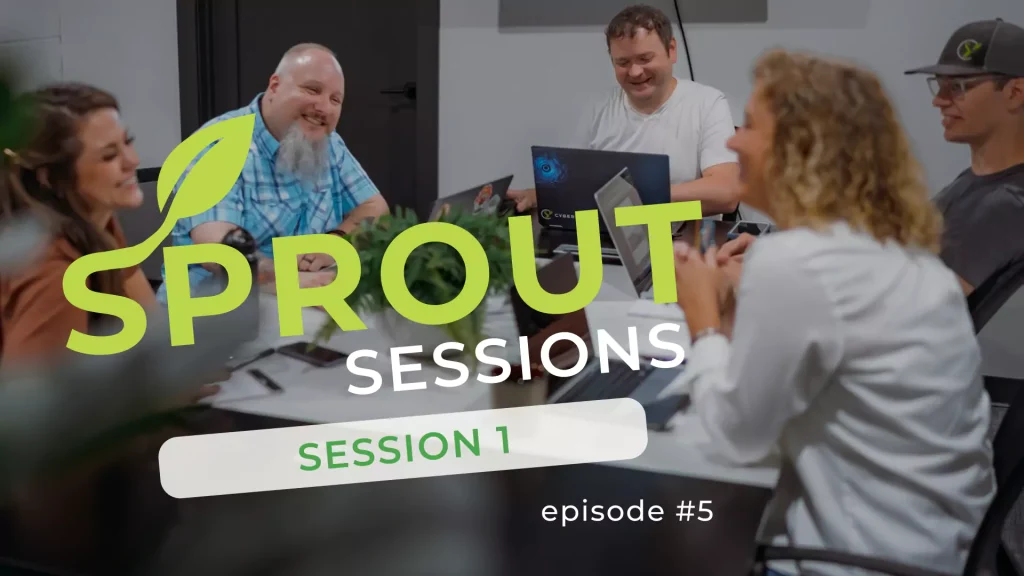
Table of Contents
What You’ll Learn in This Sprout Session
This episode is all about web accessibility—what it means, why it matters, and how to make your site more inclusive for users of all abilities. Here’s what we cover:
- What web accessibility is (and who it impacts)
- Hidden disabilities and real-world inclusion examples
- Overview of WCAG standards and legal requirements
- Easy wins for accessibility (contrast, alt text, keyboard nav)
- Why accessible websites also perform better in search engines
- Tools for scanning your site for accessibility issues
- Best practices for inclusive design choices
🍿 Watch Now!
Episode Summary
Making your website more accessible isn’t just a “nice-to-have”—it’s a legal and ethical must. In this episode, the CYBERsprout team explores what inclusive web design really looks like and why it matters for your users and your bottom line.
Over 49 million U.S. adults live with a disability, but fewer than 4% of top websites are fully accessible. And since 70–80% of disabilities are non-visible—like colorblindness, dyslexia, or anxiety—it’s easy to unintentionally exclude people. That’s where WCAG (Web Content Accessibility Guidelines) come in.
The team walks through the basics of WCAG levels A, AA, and AAA. At CYBERsprout, we aim for AA, and offer official audits when needed. We explain how designing for accessibility often improves the experience for all users, with benefits like better SEO, easier navigation, and cleaner content structure.
We also cover practical fixes—like improving color contrast, adding meaningful alt text, using descriptive link labels, ensuring keyboard navigation, and including closed captions for video. You’ll learn how accessible design can be integrated from day one, and why screen readers and search engines both benefit from thoughtful design choices.
Whether you’re managing a government site, health system, school, or small business, this episode breaks down how to build a better web for everyone.
🧰 Tools & Resources Mentioned
Here’s a quick reference list of tools and techniques mentioned:
- Accessibility Testing Tools
- Accessibility Guidelines
- Helpful Best Practices
- Use high contrast colors
- Add alt text that is helpful for screen readers
- Avoid vague links like “Learn More”—be descriptive
- Ensure keyboard navigation works smoothly
- Provide closed captions or transcripts for video/audio
- Legal Compliance
📺 Watch More + Ask Us Anything
This is just the beginning! Check out other episodes in this Session;
- Episode #1: Ensuring Your Website is Mobile Friendly and Responsive
- Episode #2: Is My Website’s Navigation User-Friendly?
- Episode #3: How to Improve Your Website Speed
- Episode #4: Optimizing Website Images for Speed and SEO
- Episode #5: Accessibility and Inclusive Web Design
- Episode #6: Keeping Your Website Updated + Best Practices for Maintenance
🔗 Watch the full playlist on YouTube: Sprout Sessions Playlist
📩 Have a question for a future episode?
Fill out the quick form below to submit your topic—we just might feature it in an upcoming session!
"*" indicates required fields
🌱 What is Sprout Sessions?
Sprout Sessions is a video series from the team at CYBERsprout. Each episode answers real-world questions about websites, design, SEO, and digital strategy. We pull in insights from our team’s daily work with businesses, nonprofits, and schools to help you understand the “why” behind web decisions—and how to get the most from your online presence.
Our goal is to make digital strategy less overwhelming and more empowering—no jargon, just helpful info from real people.

