To access Google-related products and services—such as Google Analytics, Google Search Console, Google Drive, and Google Business Profile—you may be required to provide an email tied to a Google Account. If your email was created using Google’s Gmail or Google Workspace services, you already have an associated Google Account.
However, if you want create a Google Account with your current email (such as a work or personal email from another provider) rather than setting up a new Gmail address, you can follow the steps below. This allows you to use your existing email to sign in and access Google services without needing a separate Google address.
Step 1: Access Google Signup
Go to https://accounts.google.com/signup
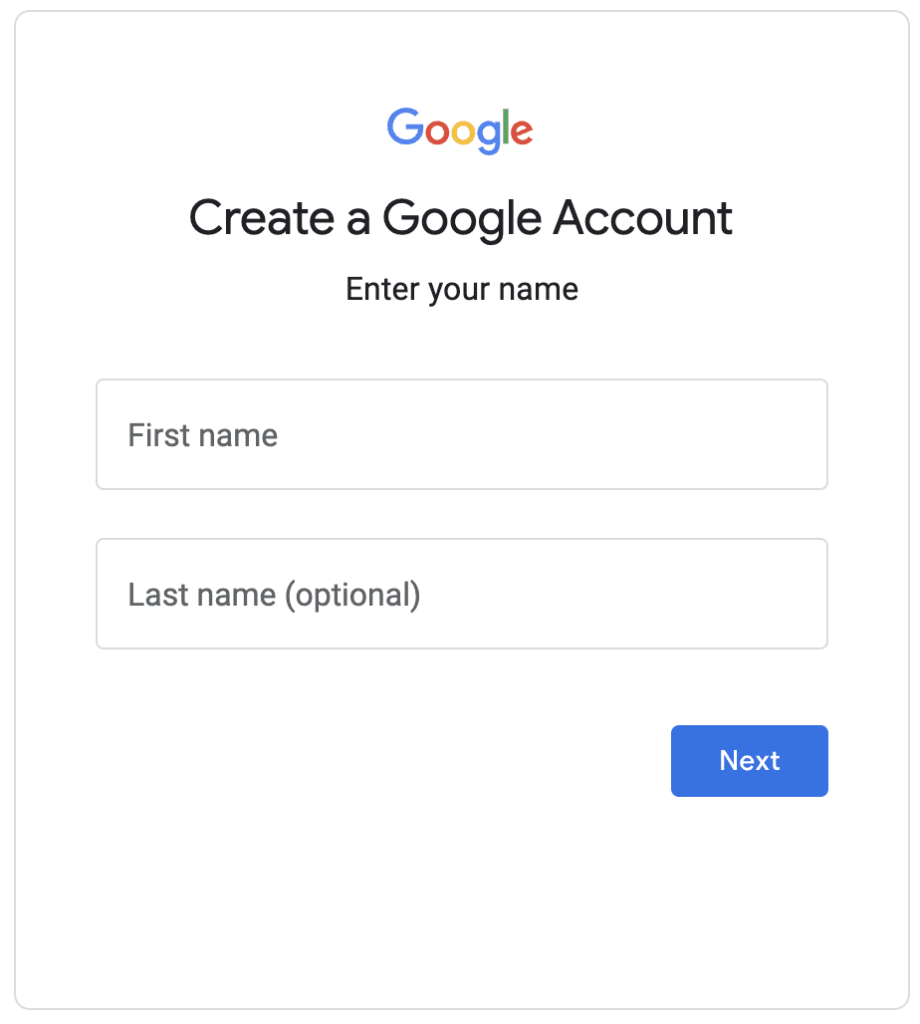
Step 2: Provide name for Google account
Enter your first name and last name, then click Next
Step 3: Provide Basic account information
Fill in the Basic information requested
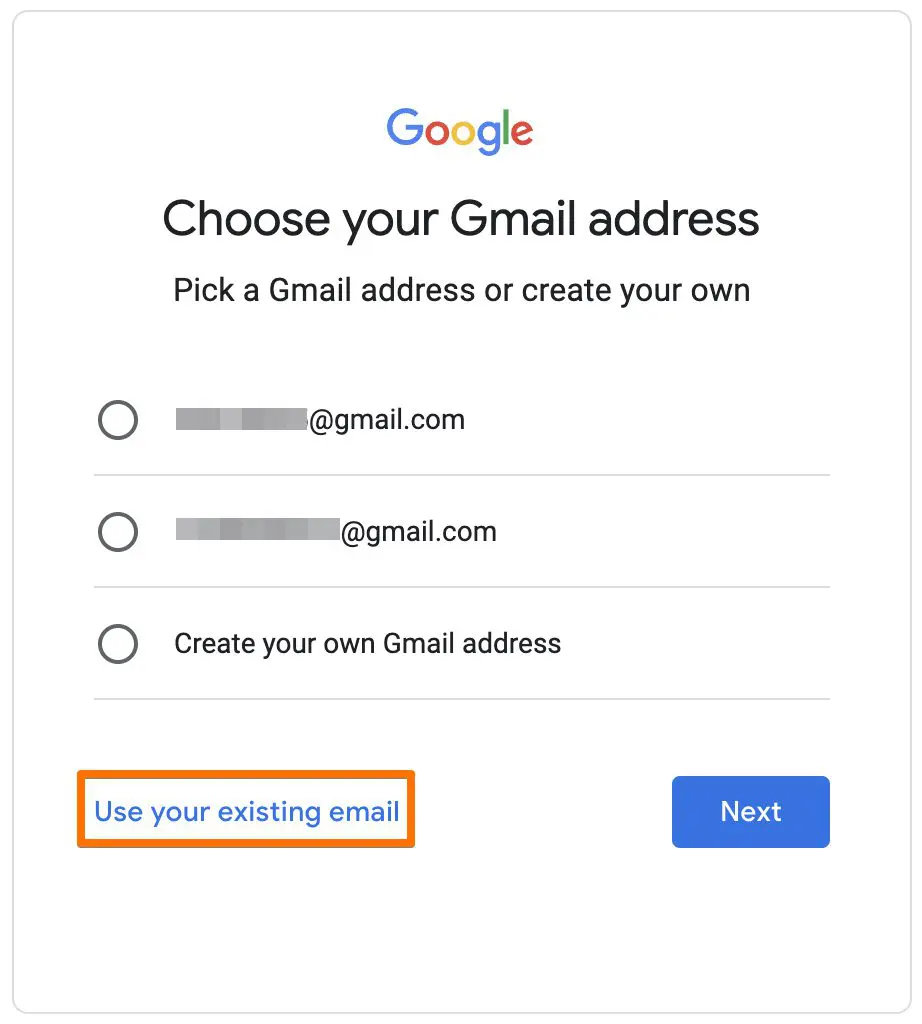
Step 4: Chose to use existing email
Click the link ‘Use your existing email’ at the bottom
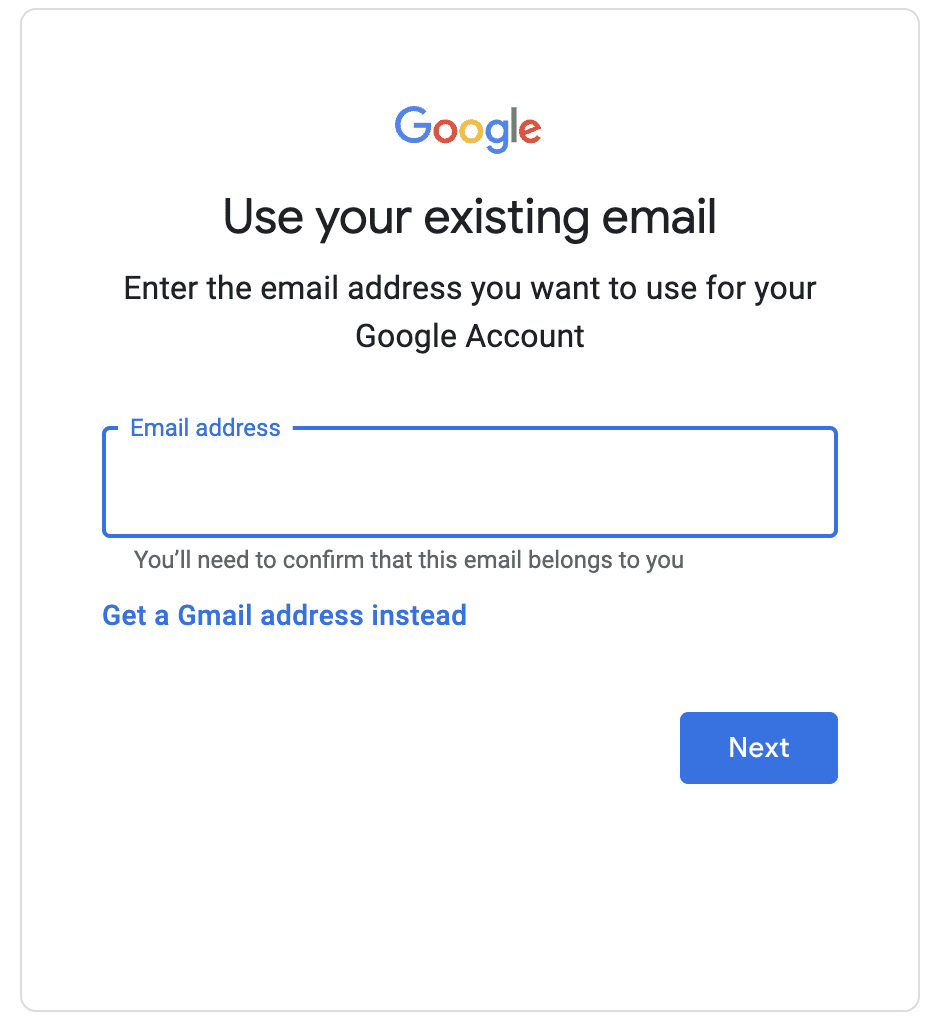
Step 5; Enter existing email used for new Google Account
Enter the non-Google email address that you’d like to create the Google account using.
Step 6; Complete confirmation and verification
Confirm your new account using the email address you provided and by following the instructions given by Google.